

Crawling Anxiety
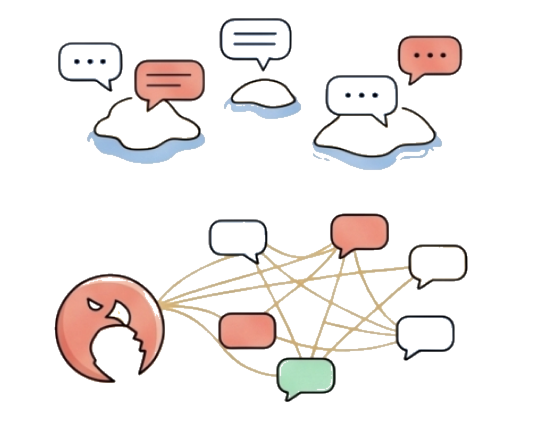
THE PROBLEM:The persistent stress of 999+ unread messages and overwhelming information piles.
THE SOLUTION:A single "Grab" click provides a complete scene intelligence recap in under 30 seconds.

TelyClaw: The ultimate AI-powered engine for Telegram. Built with OpenClaw core, this privacy-first Telegram AI assistant grabs insights, filters spam, and helps you master your chat universe.
Telegram is excellent for messaging. TelyClaw adds an AI-native review layer for privacy-aware summaries, faster catch-up, and high-volume signal filtering.
| Comparison point | Telegram | TelyClaw |
|---|---|---|
| Privacy architecture |
|
|
| Processing speed |
|
|
| Offline capability |
|
|
THE PROBLEM:The persistent stress of 999+ unread messages and overwhelming information piles.
THE SOLUTION:A single "Grab" click provides a complete scene intelligence recap in under 30 seconds.
THE PROBLEM:90% of ads and spam messages bury genuine Alpha signals.
THE SOLUTION:OpenClaw core filtering technology surfaces the core value instantly.

THE PROBLEM:Frequent App switching breaks your deep work flow.
THE SOLUTION:Native Claw Assistant embedded seamlessly into your context.

THE PROBLEM:Centralized AI bots often compromise user privacy and chat context.
THE SOLUTION:OpenClaw local processing ensures your data stays in your universe.
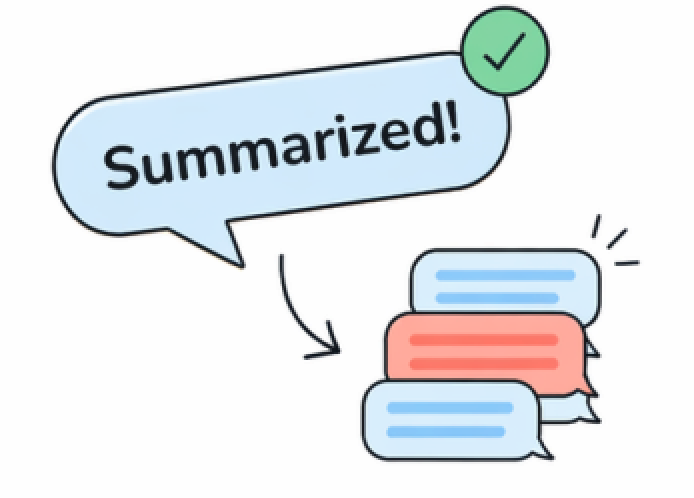
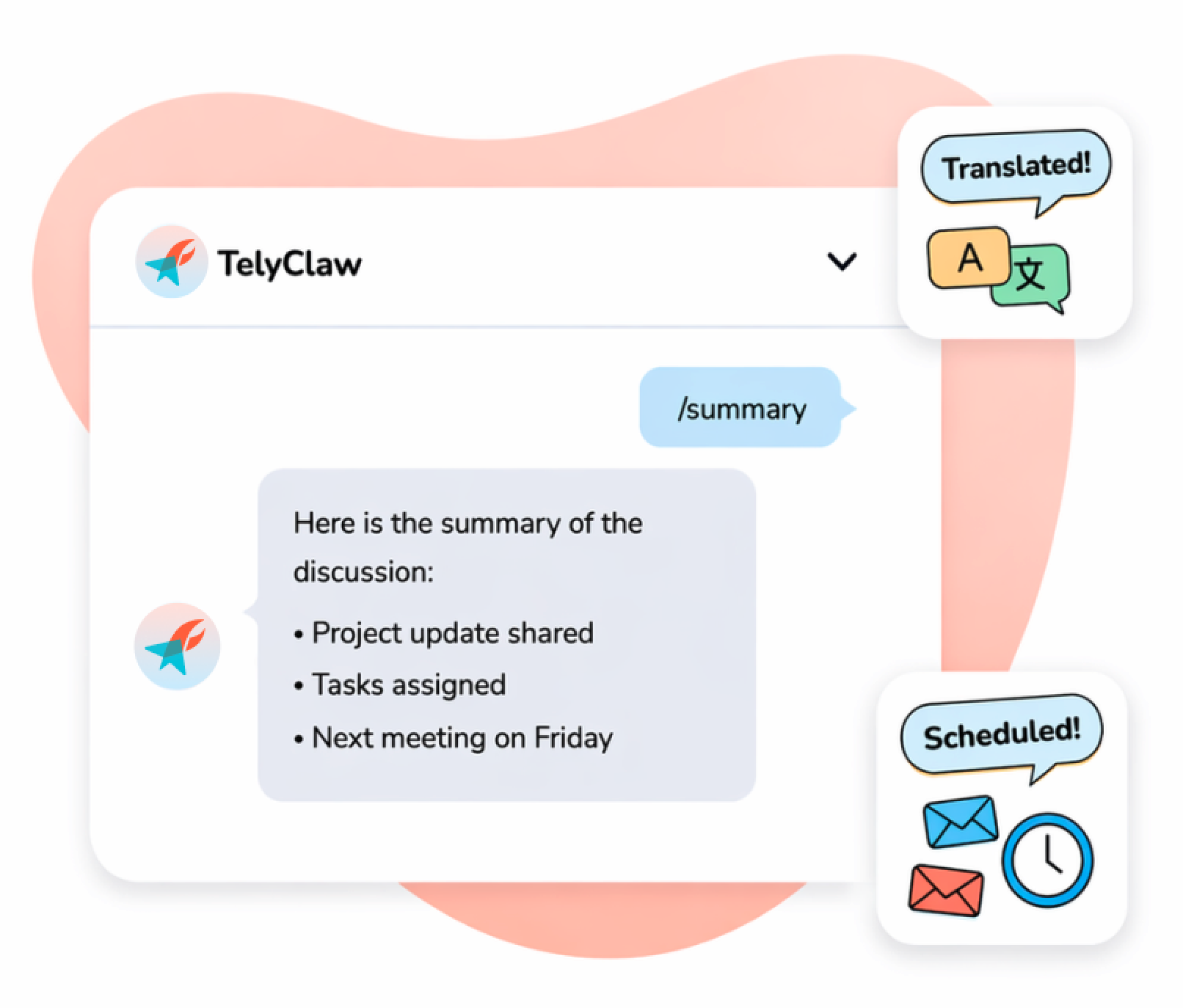
Turn long conversations into clear, concise summaries in seconds.
Learn more >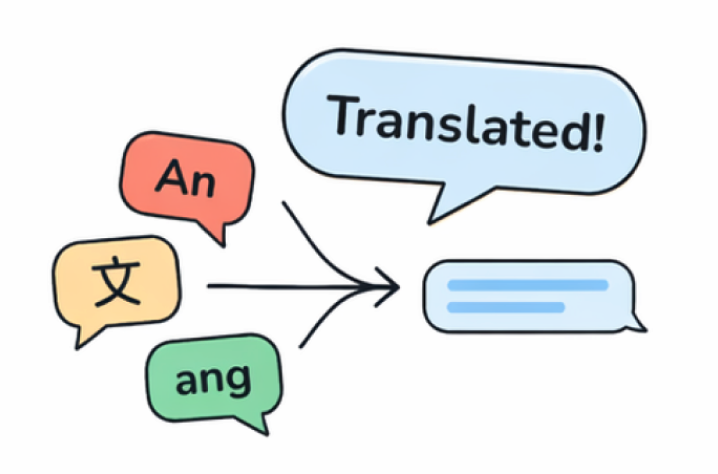
Seamlessly translate messages across languages and bridge any gap.
Learn more >
Schedule messages, reminders, and announcements-automatically.
Learn more >
Native embedded. It is your digital intuition.
Learn more >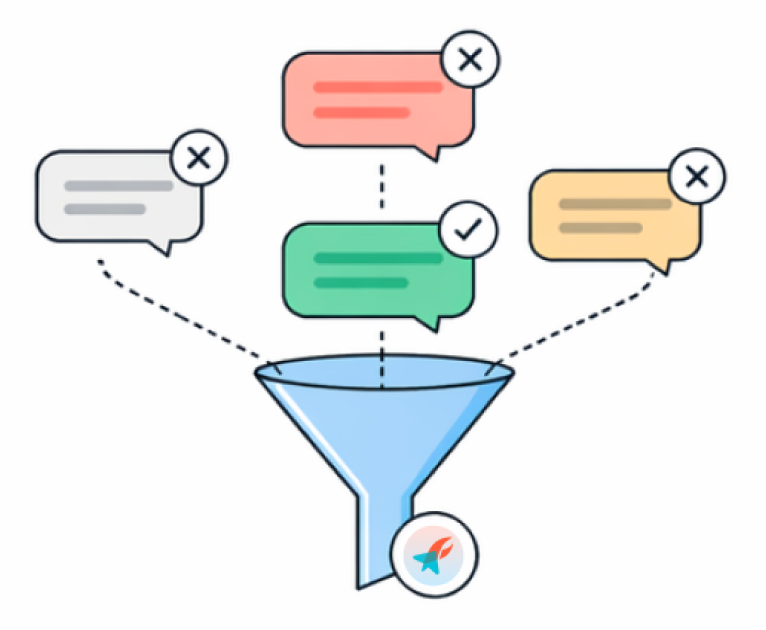
Block the noise. Capture only what matters.
Learn more >
Instantly detect critical messages and notify you in real time.
Learn more >We do not rely on vague promises - we rely on hardened architecture.

Default DenyAI starts with no access. It can only read files you explicitly provide.
Isolated WorkspaceThe AI operates only inside an authorized workspace, isolated from your system.

Trusted DestinationsData is allowed only to Telegram and trusted model providers.
Leak PreventionAny unknown outbound request is automatically blocked.

Explicit ConfirmationSystem changes or file writes require your approval.
Memory-Only ProcessingAll results stay in memory and are cleared when you exit.
Three simple steps to turn your Telegram universe into an organized, AI-powered command center.
Securely connect via Telegram API. We inherit your groups, channels, and contacts--no change to your workflow.
OpenClaw scans unread messages in the background and learns each group's context for smarter insights.
Open any chat to see clear summaries and AI help--organized, intelligent, and always in your control.
Real-time intelligence. Privacy-centric design.
Built for the most demanding message volumes.

Message Processing

Focused Design

Semantic Analysis

Local Privacy Protection

I no longer miss overnight alpha buried in spam."
Crypto Researcher

I catch up on 1,000 unread messages before my first coffee."
Founder

Urgent alerts helped us respond to incidents in minutes."
Community Operator
Everything you need to know about TelyClaw.
TelyClaw is an advanced Telegram client powered by the OpenClaw engine. It acts as an "AI Claw" for your Telegram universe, automatically summarizing long conversations, filtering message noise, and providing an embedded AI Assistant to help you manage information overload without leaving the app.
Yes. TelyClaw is built on Telegram's official API and follows strict privacy protocols. We are committed to transparency and plan to open-source our core integration logic on GitHub, allowing the community to verify our data handling practices.
No. We prioritize local-first processing. When you use AI features, message fragments are processed transiently to generate insights. We do not archive or store your raw chat data on our servers.
The Smart Grab feature uses the OpenClaw base model to scan your unread messages and extract core themes, action items, and key decisions. It condenses hundreds of messages into a single, readable "Insight Card," saving you hours of manual "scrolling" or "climbing the ladder."
The Claw Assistant is a native, context-aware AI Companion embedded directly into your chat interface. Unlike external bots, it understands the specific context of your current conversation, allowing it to draft replies, translate complex terms, or find information without you ever switching apps.
TelyClaw is a third-party client developed independently using Telegram's open-source API. While we are not directly affiliated with Telegram FZ-LLC, we strictly adhere to their Terms of Service and API usage guidelines to provide a more powerful AI-driven alternative to the standard app.
Your security is our priority. Login tokens and sensitive data are stored exclusively on your local device using platform secure storage. TelyClaw does not have access to your SMS codes or two-step verification passwords.
Currently, TelyClaw is available for Windows and macOS. We are actively developing versions for iOS and Android, which will be released soon. Once the full suite is launched, TelyClaw will support cross-platform synchronization, allowing your AI preferences and "Claw" settings to stay consistent across all your devices securely.
While many clients add cosmetic features, TelyClaw focuses on Information Intelligence. By integrating the OpenClaw framework, we offer superior semantic understanding for summaries and the most transparent open-source security model in the Telegram ecosystem.
TelyClaw offers a robust Free Tier that includes core AI features and basic message grabbing. For power users and developers requiring high-frequency AI processing and advanced OpenClaw capabilities, we offer a Pro Subscription to support our open-source development.